In today’s digital world, malware isn’t just a buzzword, it’s a serious threat that affects everyone from casual internet users to large enterprises. But what exactly is malware? How is it different from a computer virus? And more importantly, how can you detect and prevent it?
This article will walk you through everything you need to know from what malware is to the different types, how they spread, the damage they cause, and how you can identify and defend against them.
🔹 What Is Malware?
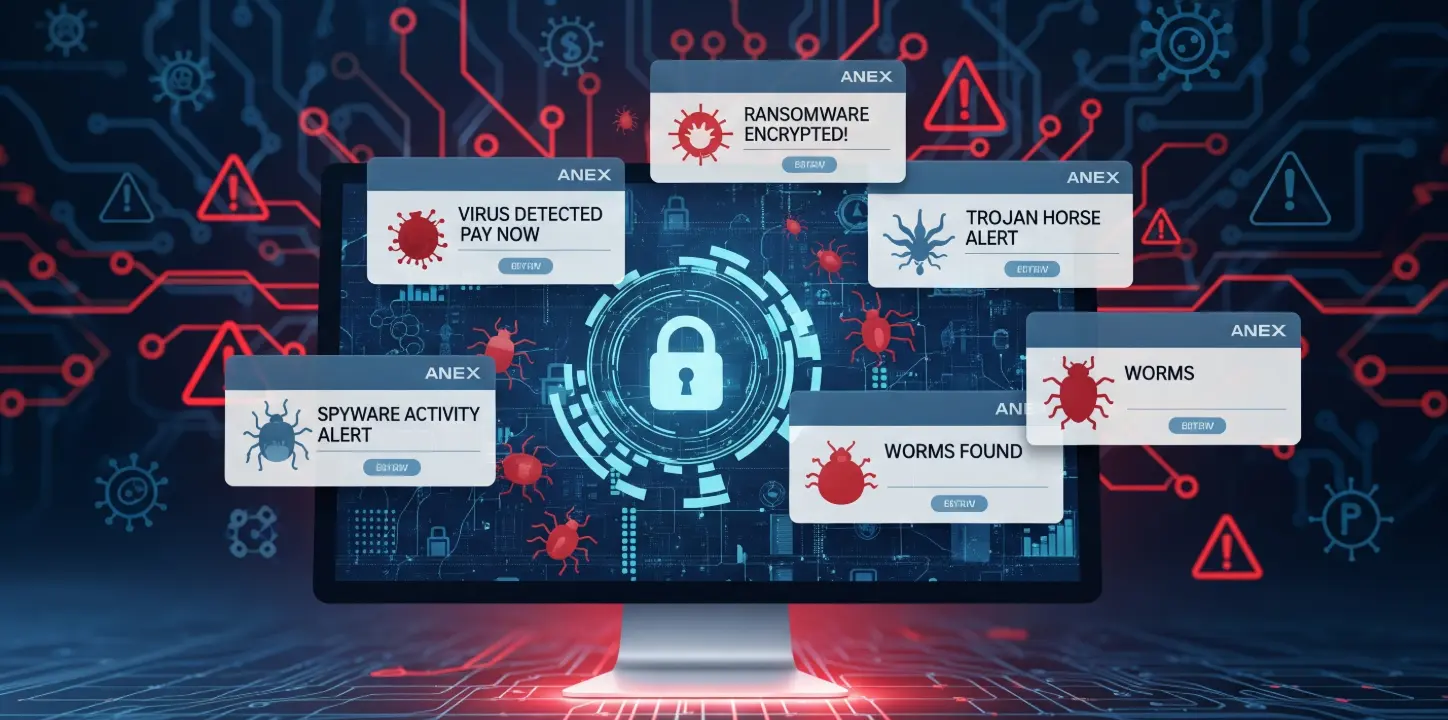
Malware is short for malicious software. It refers to any software designed to harm, exploit, or gain unauthorized access to a computer system or network. Malware can steal your data, slow down your system, display unwanted ads, encrypt files for ransom or worse.
Think of malware as a digital parasite it sneaks in, causes damage, and often tries to hide while doing so.
Malware is an umbrella term that includes many types of threats, including viruses, worms, trojans, spyware, ransomware, and more.
🔹 What Is a Computer Virus?
A computer virus is a specific type of malware that attaches itself to files or programs and spreads when the infected file is run. Just like a biological virus, it replicates and spreads from one system to another.
How it works:
- It attaches to a legitimate file (like a Word document or .exe program).
- When the file is opened, the virus activates and spreads.
- It can delete files, corrupt data, or damage system operations.
Example:
The ILOVEYOU virus in 2000 caused billions in damages by spreading via email attachments disguised as love letters.
🔹 Types of Malware (With Examples)
Understanding the different types of malware helps you recognize threats early. Here are the most common ones:
🔸 1. Worms
- What it does: Spreads on its own across systems and networks.
- Key trait: Doesn’t need user interaction.
- Example: SQL Slammer – spread rapidly and caused network slowdowns.
🔸 2. Trojans
- What it does: Disguises as safe software but gives hackers backdoor access.
- Key trait: Relies on tricking users into installing it.
- Example: Zeus Trojan – stole banking credentials.
🔸 3. Ransomware
- What it does: Encrypts files and demands payment to unlock them.
- Key trait: Extorts victims by holding data hostage.
- Example: WannaCry – crippled hospitals and companies worldwide.
🔸 4. Spyware
- What it does: Silently tracks user activity and sends it to attackers.
- Key trait: Hidden monitoring.
- Targets: Browsing habits, credentials, personal data.
🔸 5. Adware
- What it does: Shows unwanted pop-up ads and slows down devices.
- Key trait: Often bundled with free apps.
- Risk: May collect user data without consent.
🔸 6. Scareware
- What it does: Tries to scare users with fake security alerts.
- Key trait: Pushes users to buy fake antivirus tools.
- Example: Fake “Your system is infected” popups.
🔸 7. Keyloggers
- What it does: Records every keystroke to steal passwords and data.
- Key trait: Runs silently in the background.
🔸 8. Rootkits
- What it does: Hides malicious processes and grants attackers system-level access.
- Key trait: Difficult to detect and remove.
- Use: Often used to maintain long-term access to a compromised system.
🔸 9. Botnets
- What it does: Turns devices into bots to launch coordinated attacks (e.g., DDoS).
- Key trait: Controlled remotely by a hacker.
🔸 10. Logic Bombs
- What it does: Activates malicious code based on a specific trigger (date, action).
- Key trait: Stays dormant until triggered.
🔹 How Malware Spreads
Malware spreads in several ways — and often, users don’t even realize they’ve been infected. Here are the most common methods:
- Email attachments (phishing emails with malicious files)
- Malicious websites (drive-by downloads)
- Infected USB drives
- Fake software or cracked apps
- Links on social media or messaging apps
- Remote desktop protocol (RDP) brute-force attacks
🔹 Effects of Malware on Your System
Once malware is inside a system, it can cause various issues:
- Slows down your computer or network
- Deletes or encrypts important files
- Sends your private data to attackers
- Installs unwanted programs or toolbars
- Takes control of your device (in the case of botnets or trojans)
- Drains system resources
- Leads to financial losses or even legal issues
🔹 How to Detect Malware
Early detection is key to limiting damage. Here’s how malware can be identified:
🔸 Network-Based Detection
- Snort – open-source intrusion detection system
- NetFlow – monitors and analyzes traffic patterns
- Intrusion Prevention Systems (IPS)
- Cisco FirePOWER & AMP – block threats at the network level
🔸 Host-Based Detection
- Unusual processes in Task Manager
- Changed or missing files
- Browser redirects or new toolbars
- Antivirus alerts
- Sluggish performance and high CPU usage
- Files with strange extensions or names
- Registry or system configuration changes
🔹 Tips to Prevent Malware Infections
Here are some best practices to keep your system safe:
- ✅ Install reputable antivirus software
- ✅ Keep your operating system and apps updated
- ✅ Avoid clicking on suspicious links or pop-ups
- ✅ Do not open unknown email attachments
- ✅ Download software only from trusted sources
- ✅ Use a firewall and enable security features
- ✅ Educate employees or family members about phishing
- ✅ Disable autorun on USB drives
- ✅ Use strong, unique passwords and enable 2FA
🔹 Conclusion
Malware is constantly evolving, and attackers are getting smarter. From simple viruses to advanced ransomware and stealthy rootkits, the threats are real — but so are the tools and techniques to defend against them.
By understanding how different types of malware work, how they spread, and how to detect and prevent them, you’re already a step ahead in protecting your systems and data.
Stay safe, stay updated — and always think before you click.
🔗 You Might Also Like
-
➤ Stateful vs Stateless Firewalls
Understand the key differences and use cases for stateful and stateless firewall architectures. -
➤ Palo Alto vs Fortigate vs Cisco vs SonicWall
Compare the top firewall vendors on features, performance, pricing, and security capabilities. -
➤ Next-Generation Firewalls Explained
Learn what sets NGFWs apart — from application control to deep packet inspection.

Cybersecurity blogger with a focus on firewalls, network security, and tech trends making security simple for everyone, from IT pros to curious minds.